


API keys and passwords pasted into Jira: how to find them, and what to do first
Also published on Atlassian Community
In this guide
A developer debugging a webhook late at night pastes the whole curl command into a comment, header and all. The comment carries a live API key. Nobody notices, because the ticket gets resolved the next morning and nobody reads resolved tickets.
LeakRadar is a secret and personal data scanner for Jira and Confluence Cloud from Radrly. This guide is a search cookbook you can run with native Jira today, followed by a cleanup order. The app comes in the second half.
The native search cookbook
Run these as a Jira admin with Browse permission on every space, because JQL only returns what your account can see.
| JQL | What it catches | What it misses |
|---|---|---|
text ~ "password" | Comments and descriptions where someone wrote the word | A key pasted with no label |
text ~ "token" OR text ~ "apikey" OR text ~ "secret" | Labelled tokens in summaries, descriptions, comments and text fields | Values that look like random strings |
text ~ "\"private key\"" | Pasted PEM blocks that keep their header line | Keys pasted without the header |
text ~ "Authorization" AND updated >= -90d | Copied HTTP requests with a Bearer or Basic header | Older items, unless you widen the window |
attachments is not EMPTY AND text ~ "har" | Work items where someone mentioned a HAR file | The contents of any attachment |
Save each one as a filter so you can rerun it after the cleanup.
What native search cannot tell you
JQL text ~ is a word search with stemming. It has no regular expressions and no checksums, so it cannot tell a real AWS key from a placeholder in a code sample, or a card number from an order number. It searches the current text only. A value someone already edited out of a description stays in the work item History tab, and JQL does not search that history. It also does not read the contents of attachments, so a HAR file with session cookies, or a screenshot of an environment file, is invisible to it. Confluence needs its own search on top.
If your organization has Atlassian Guard Premium, Guard Detect includes sensitive data detection for Jira and Confluence. Per Atlassian's docs it scans content when it is created or updated, and in Jira only the fields that changed. For older content, Guard has a separate content scan you start yourself.
When you find one: the order matters
1. Rotate or revoke the credential. Do this before anything else. Deleting the text feels faster, yet the value already went out in notification emails and sits in the History tab. For Atlassian tokens, revoke them on the API tokens page of the account that created them.
2. Remove it from the current text. Edit the comment or description, or delete the attachment.
3. Check the history. Anyone who can browse the work item can open History and read the old value. If the work item is widely visible, add a security level while you sort it out.
4. Look for the same value elsewhere. People paste the same key into three tickets and a Confluence page. Search for a distinctive part of it before you close the incident.
Where LeakRadar fits
LeakRadar scans Jira summaries, descriptions and comments, the latest 20 history entries of summary, description and environment, and the first 10 attachments per work item up to 5 MB each, including HAR files, Office documents, PDF text and text in images. On Confluence it scans pages, blog posts and comments, and older page versions. It ships 63 detectors that use known prefixes, checksums and context, and you can add your own patterns. The first scan goes back 24 months by default, or all time, newest first.
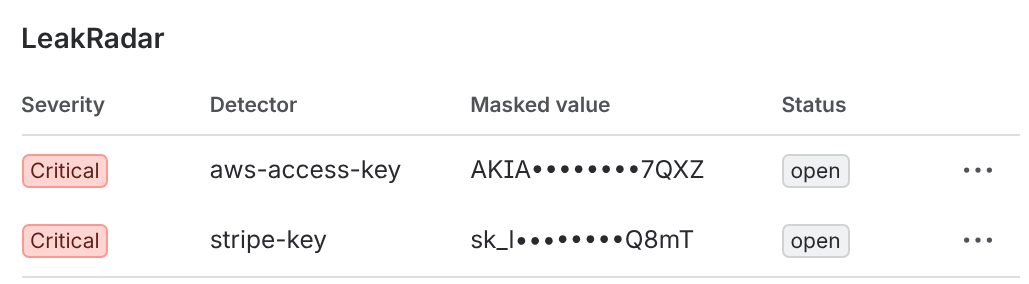
The findings queue shows each finding with a masked value, the location and a severity. LeakRadar never stores the full value: it keeps a masked snippet and a keyed hash, which is also how it groups one value found in several places into a single row with a count.
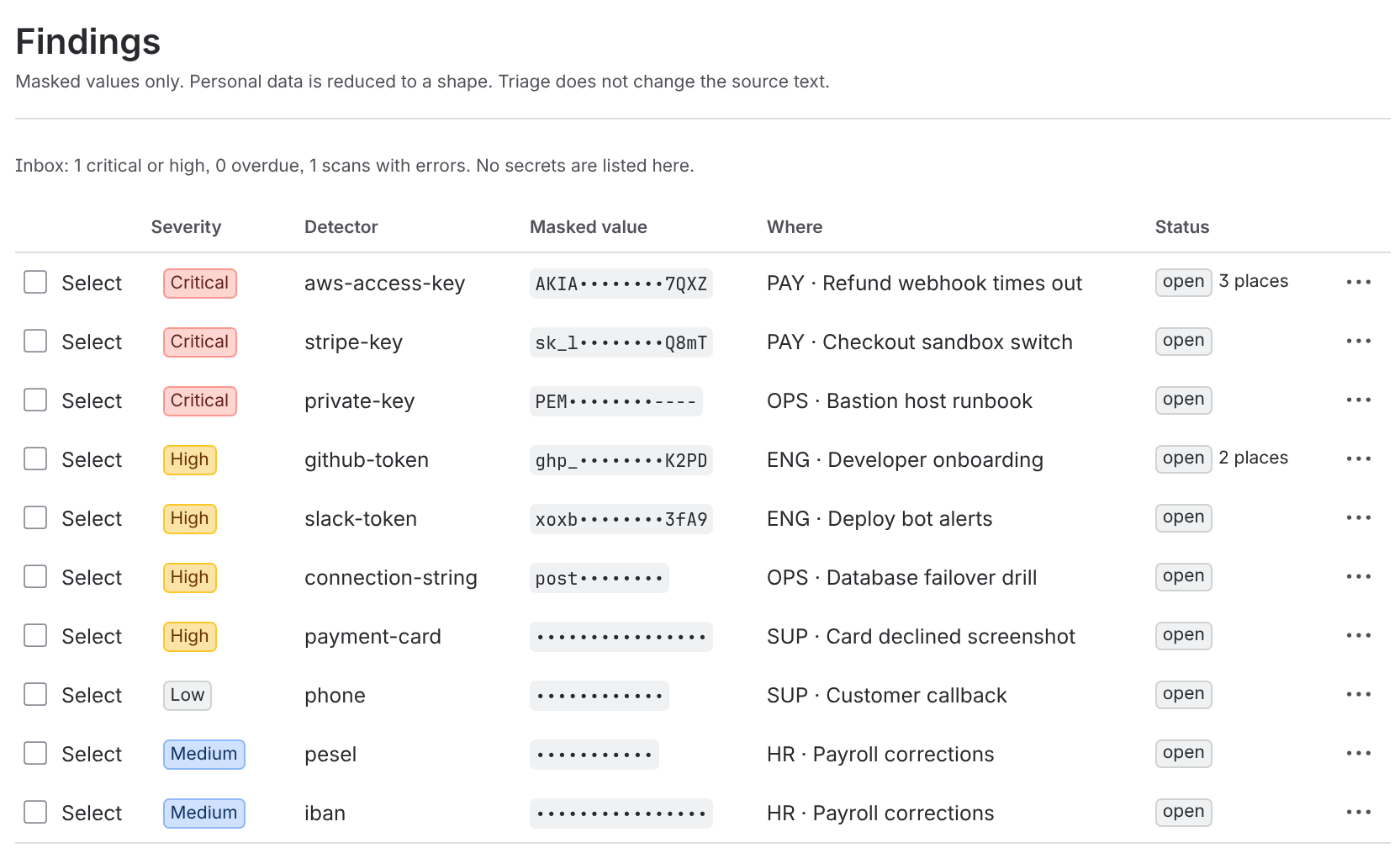
Triage uses five statuses: Open, Confirmed, Resolved, False positive and Accepted risk. Due dates follow severity, 2, 7, 30 or 90 days by default. From a finding you can redact the value in place, restrict the work item with a security level, add a label, or open a remediation work item in a space you choose. Each write asks you to confirm and runs as you, so Jira's own permissions and audit log apply.
On the work item itself, a panel lists open findings for people who can already see the work item. Findings never widen access.
Some limits, so you know what you are getting. LeakRadar cannot check whether a secret still works, because that needs a call outside Atlassian, so treat every confirmed secret as live and rotate it. No app can remove Jira field history; LeakRadar flags history findings so you can handle them with Atlassian. Other custom fields, video, whiteboards and Confluence databases are not scanned, and names and postal addresses are not detected.
Quick answers
Can JQL find API keys pasted into Jira?
Only partly. JQL text search is a word search with stemming, with no regular expressions or checksums. It searches current text only, not the History tab or attachment contents.
What should I do first when I find a secret in Jira?
Rotate or revoke the credential before anything else. Then remove it from the current text, check the history, and look for the same value elsewhere.
Does LeakRadar store the full secret value?
No. LeakRadar keeps a masked snippet and a keyed hash, never the full value.